Three taps, on the way in

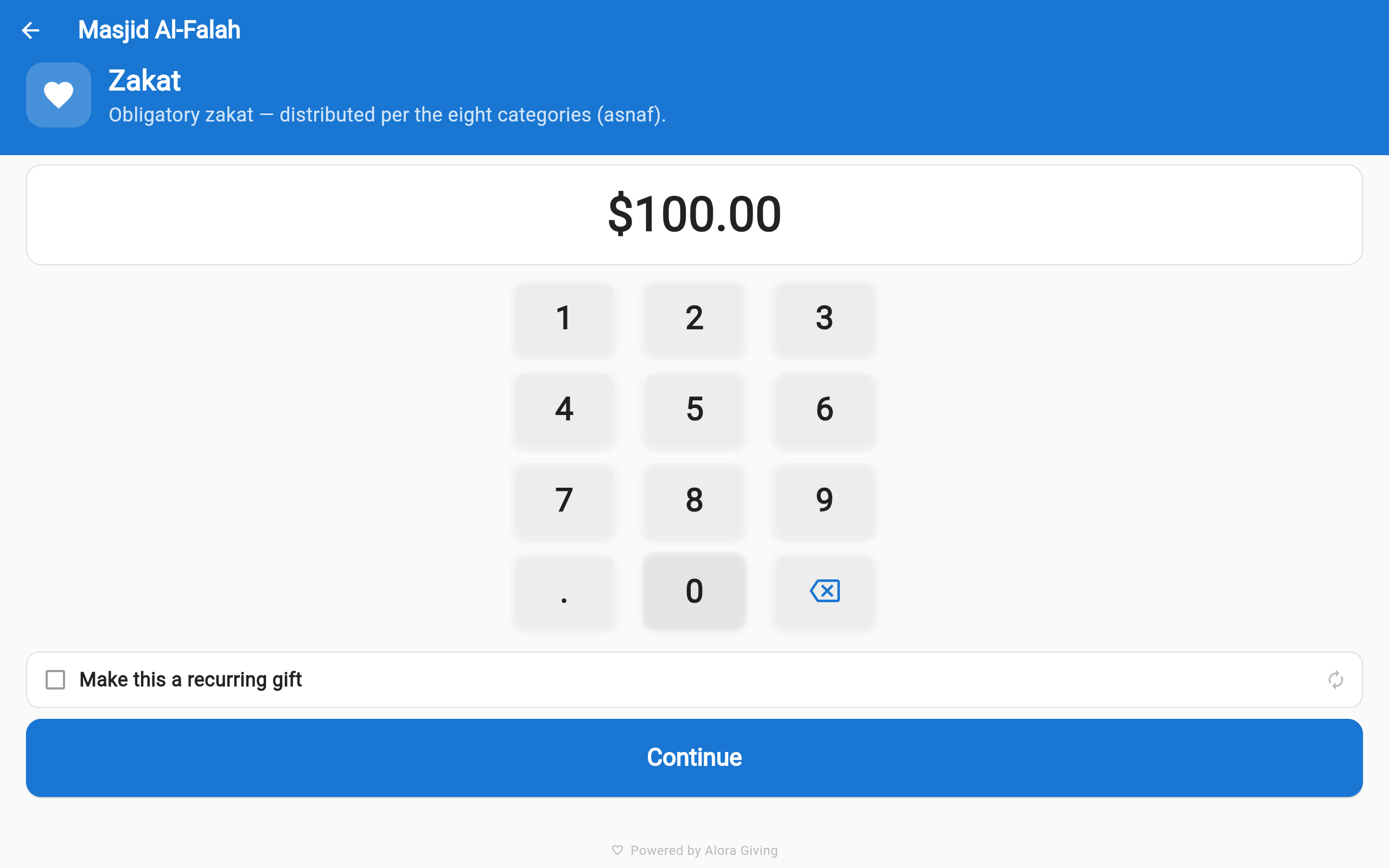
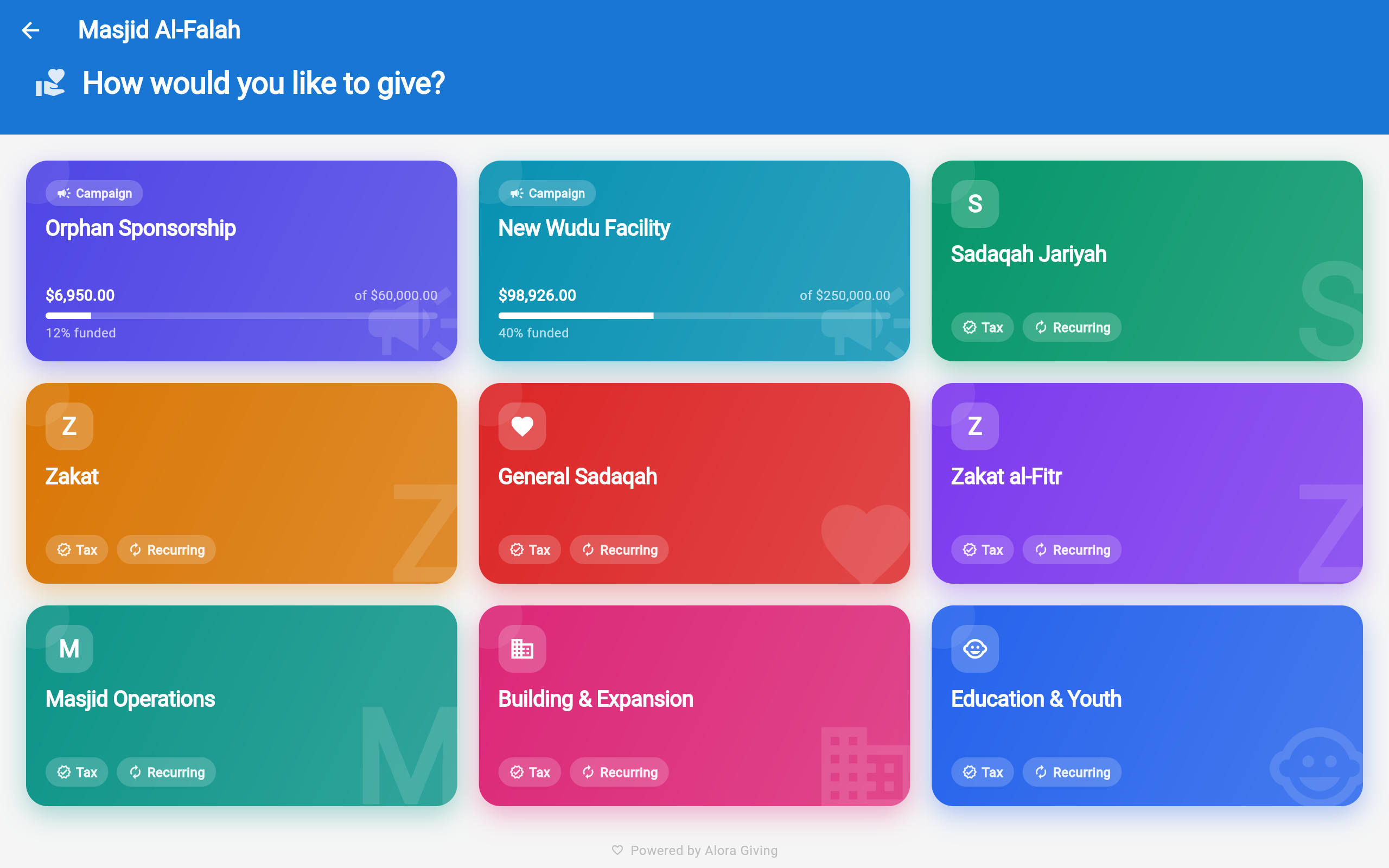
Kiosk fund selection
Choose a Fund
Kiosk amount selection with $100 highlighted
Pick an Amount
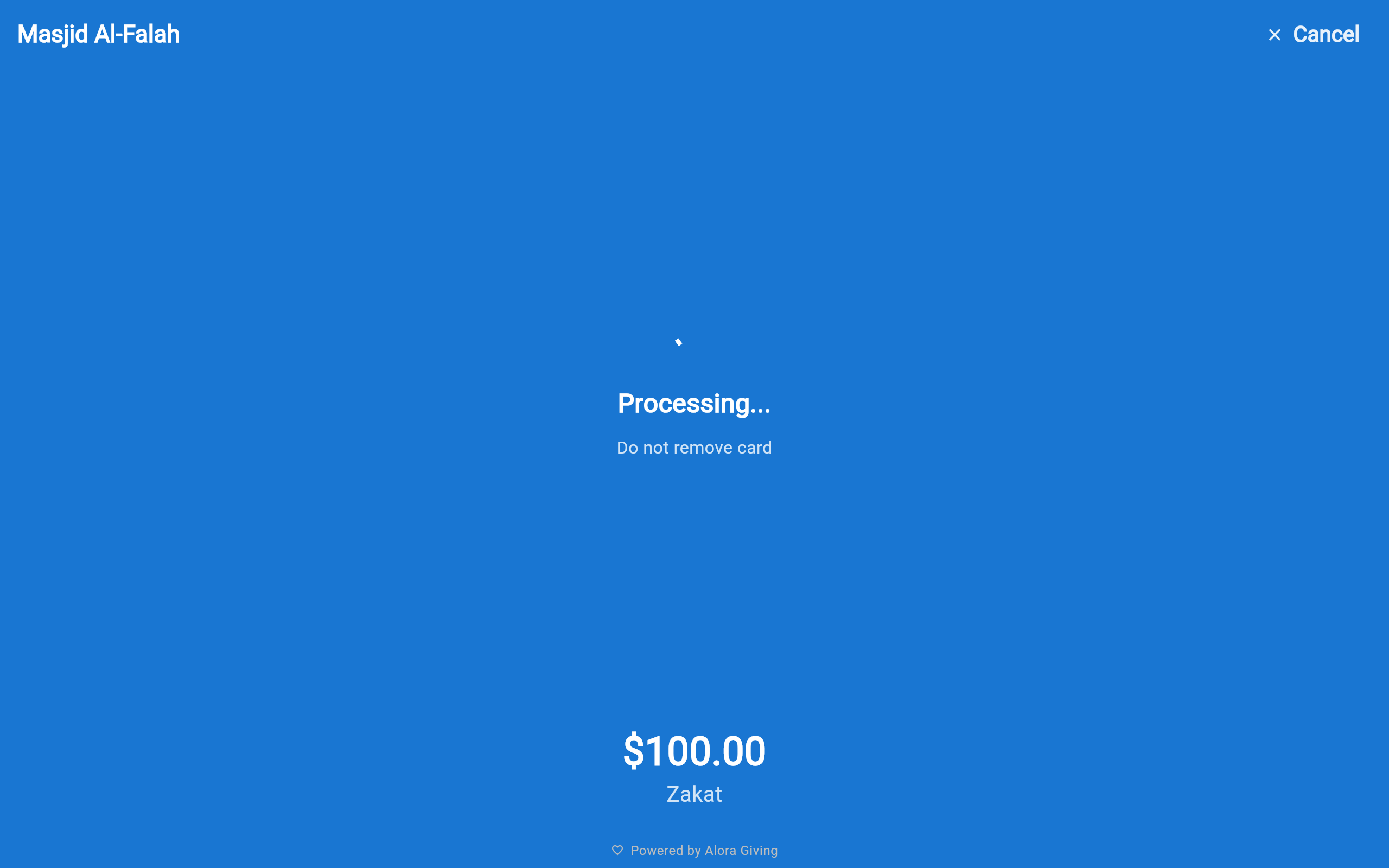
Kiosk processing payment
Tap to Pay
💳

Stripe WisePOS E + Reader M2

Tap, chip, and contactless payments through Stripe Terminal with the Stripe WisePOS E countertop reader or the compact Stripe Reader M2 — reliable, PCI-compliant processing.

🔒

Lock-task mode + admin PIN

The app auto-launches on boot, locks to full screen, and requires an admin PIN to exit. No accidental navigation, no one wandering off into the tablet's settings.

📡

Offline queue

WiFi drops while the entrance hall is full? Sadaqah queues locally and syncs automatically when connectivity returns. A configurable alert tells staff before the queue grows.

🎨

Branded idle screen with appeal progress

Between contributors, the kiosk shows your masjid's name, logo, and the live progress of your current appeal — quiet encouragement for everyone walking past.

📱

Fleet management

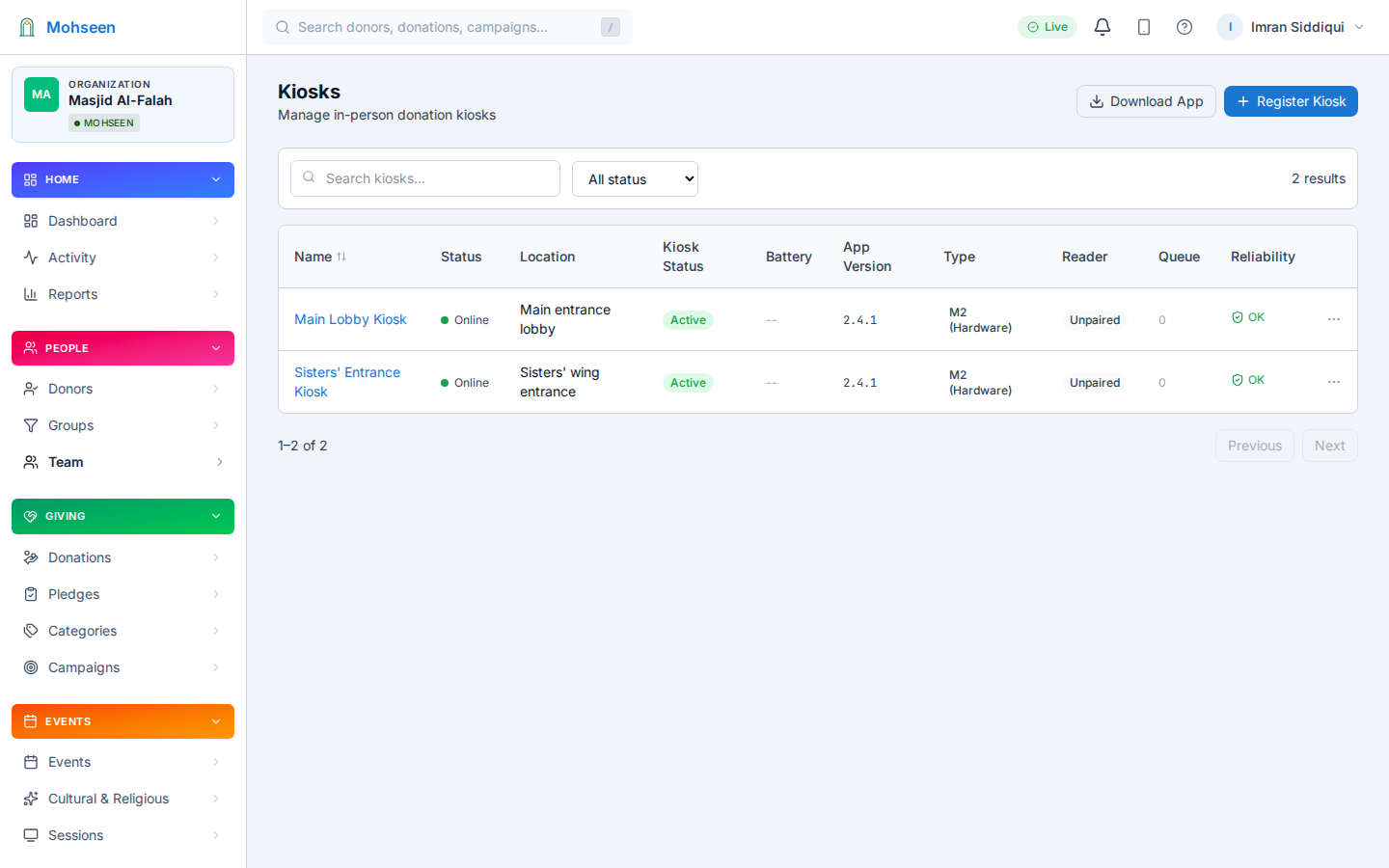
Register every kiosk and monitor health, battery, reader status, and offline-queue depth from the dashboard — in real time, for one device or ten.

📂

Funds on the device

Contributors choose where their sadaqah goes — zakat, general sadaqah, the building fund — before they tap. Funds stay separate in the ledger, and you update them from the dashboard without touching the tablet.
When the queue forms, every volunteer phone is a kiosk

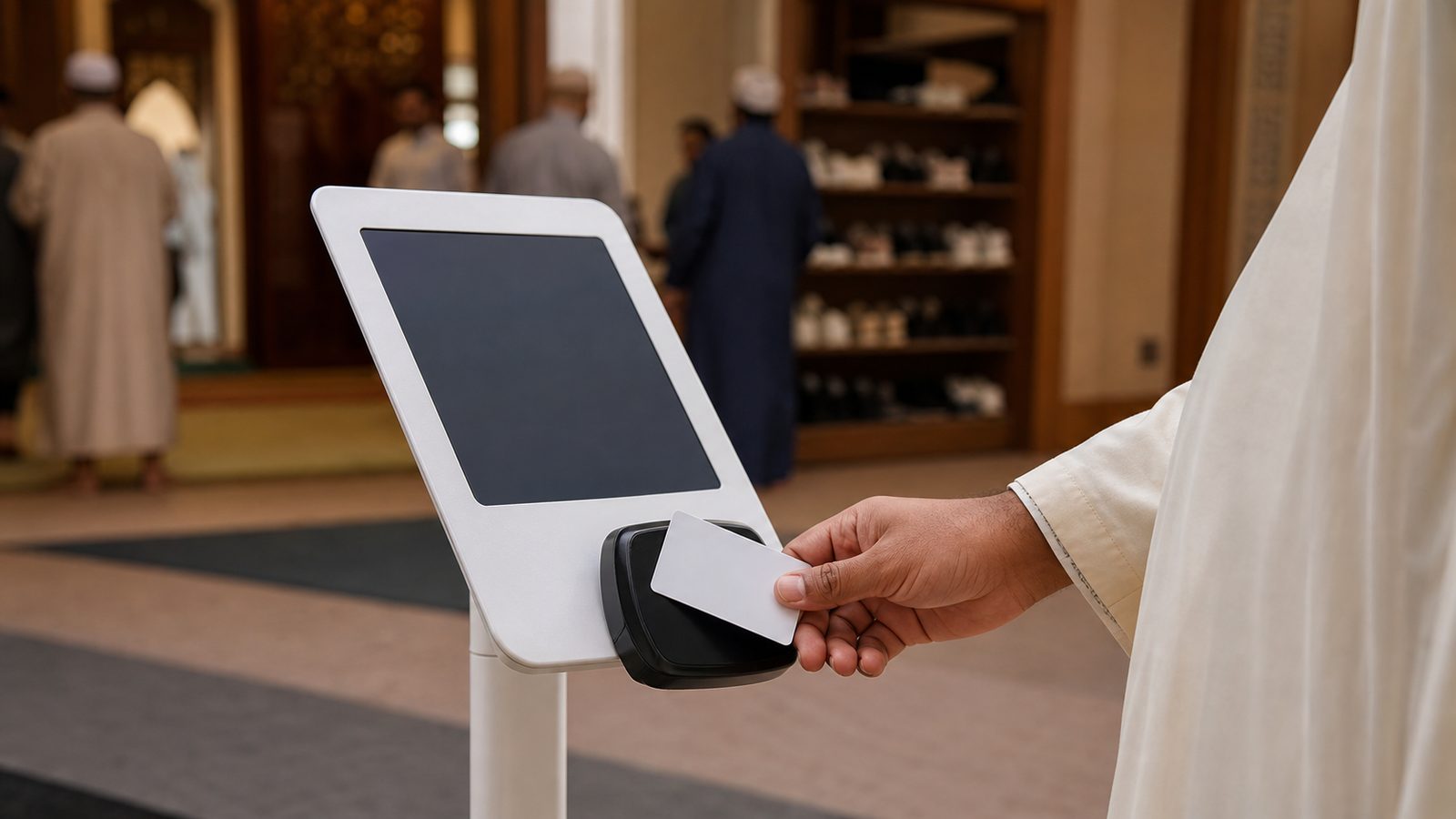
Jumu'ah ends and the entrance hall fills. Iftar wraps up and a line forms at the tablet. With the included brand mobile app, the Mohseen app includes full kiosk mode with Stripe Tap to Pay — a contributor taps their card on a volunteer's phone, and the sadaqah is recorded like any other. Extra collection points appear exactly when you need them, with zero extra hardware.

📲

Zero hardware to start

No reader, no tablet, no stand. An NFC-capable Android phone and the Mohseen app are enough to start collecting in person today.

🤝

Volunteers, not equipment

Hand three volunteers their assignments before Jumu'ah; each phone becomes a collection point in the busiest minutes — then goes back to being a phone.

📒

One ledger, same funds

Phone-kiosk sadaqah lands in the same ledger, the same funds, and the same appeal totals as the tablet, the website, and the sadaqah page.

Tap to Pay requires an NFC-capable Android phone. The included brand mobile app is Android and web app today; iOS is in progress.

Manage from the dashboard

Admin dashboard showing kiosk health, reader status, and offline queue

Monitor kiosk health, reader status, and offline queue from one dashboard

Kiosks at live appeals

Fundraising iftars, building-appeal evenings, Eid gatherings — place kiosks at the entrance and let volunteer phones cover the room. Every tap feeds the same live appeal total, alongside QR scans and online sadaqah.

🎯

Live progress on the idle screen

Between contributions, the kiosk shows the appeal's progress — the room sees the total rise together, with adab, not pressure.

📡

Multiple kiosks, one appeal

Deploy two, five, or ten kiosks across the venue. Every sadaqah from every device counts toward the same goal — alongside gifts arriving online and by phone.

Seconds, not minutes

Fund → amount → tap. No forms, no email required. A contributor gives and moves on in under fifteen seconds — built for the busiest moments of the evening.

What you need

An Android tablet (8" or larger recommended), a Stripe Terminal reader — Stripe WisePOS E or Stripe Reader M2 — and WiFi. That's it. Community includes your first kiosk license; Enterprise includes 10 kiosk/signage device licenses; additional devices are $9.95/device/month. With the included brand mobile app, a volunteer's NFC Android phone can also serve as a Tap to Pay kiosk.